.png)
From the login/signup page
If you’re having issues logging in or signing up, check out our troubleshooting guides below.
Your password is securely stored by Microsoft and is not managed by KiwiRail. If you’re having issues logging in to the portal, you will need to reset your password.
How-To Reset your password
On the Sign In Page, click “Forgot your password?” below the password box.
Enter your work email address and click SEND VERIFICATION CODE.
Enter the Verification code that is sent to your email address and click VERIFIY CODE.
You will receive an email from KiwiRail with a Verification Code. Enter the code and click Continue.
Enter your new password and click Continue.
Your password is now changed, and you can sign in to your portal account.

Your password is stored securely by Microsoft.
KiwiRail does not have access to your password, and we will never ask you for it.
Password Requirements
To protect your account, your password must meet the following requirements:
Your password must be between 8 and 64 characters.
Your password must have at least 3 of the following:
a lowercase letter
an uppercase letter
a digit
a symbol
These requirements are from Microsoft and we cannot change them.
If you see “The claims for verification control have not been verified” then make sure you click VERIFY CODE

If you enter an email address for an account that already exists, the portal won’t tell you that as a security measure. If you’re unsure if you already have an account, go back to the login page and reset your password instead.
If that doesn’t work either, please give our customer delivery teams a call so we can look into it.
If you can see the page where it says “You do not have access to any accounts. Please request access to an account via “My accounts” or speak to your company administrator.” then you don’t have any company accounts associated with your login.
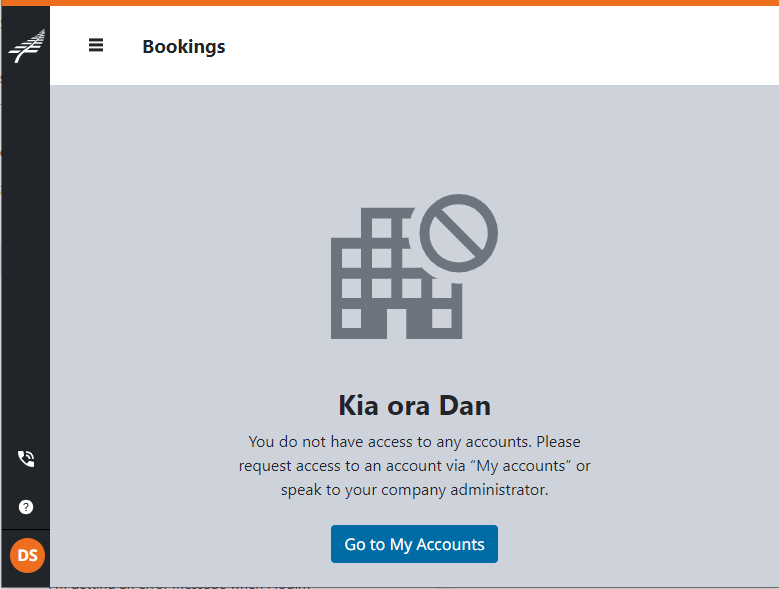
This could be because your company admin hasn’t added you, or if you have been removed from an account.
Reach out to you Company admin to add you to the company account. They can find instructions to do that here: Approve Access to your Company.
If you see the page saying “Your request to access this account is still pending approval. If there are any issues, please contact the company administrator.” then your access request is sitting with your company admin to approve.
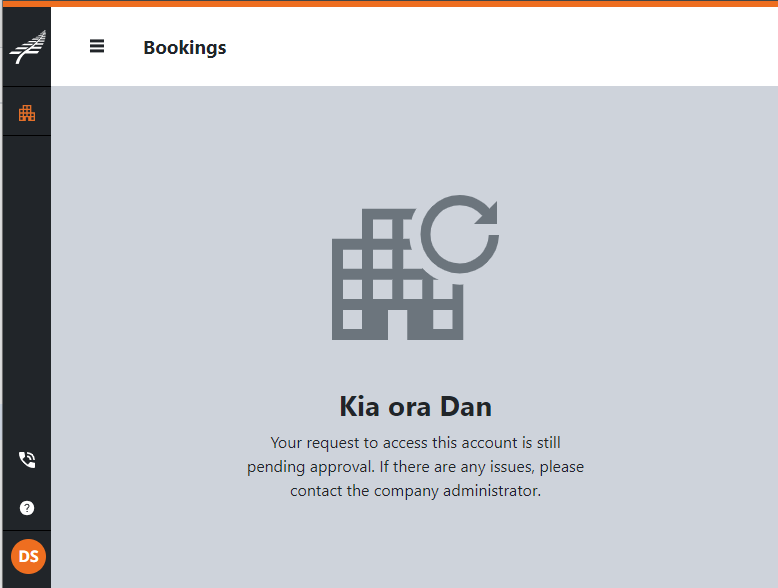
Your admin can click the link in the email they received, or they can log into the portal directly. If they are struggling you can send them this help guide: Approve Access to your Company.
KiwiRail cannot do this on your admin’s behalf unless your admin has left the company. If that is the case, please contact us and we’ll help you out.
If you see a page saying “For this account, you do not have any permissions to view or create bookings. If you require access, please contact your administrator.” then you need to be assigned permissions.
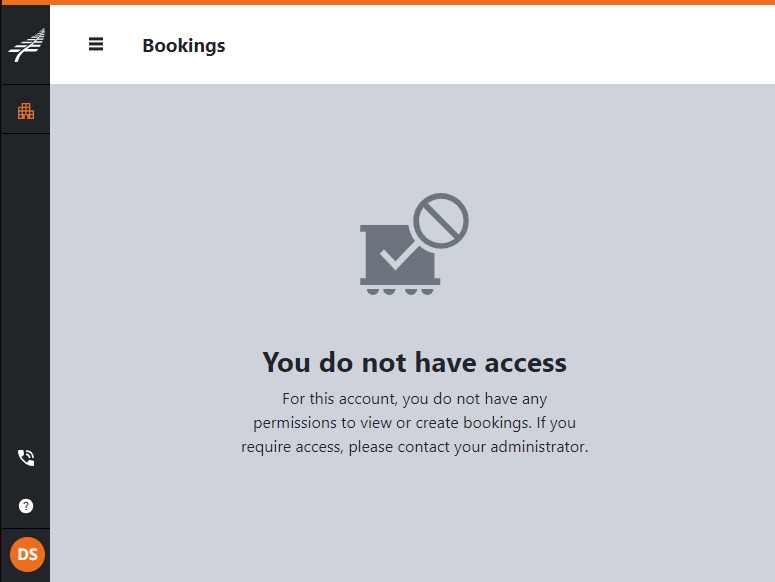
In order to see an account’s bookings, you need to be allowed to “Book” or “Only view”. Your admin can assign your persmissions in their admin section.
If they are struggling you can send them this help guide: Manage User Permissions.
KiwiRail cannot do this on your admin’s behalf unless your admin has left the company. If that is the case, please contact us.
If you don’t find the answer you’re looking for, please contact our 24/7 Customer Delivery team.